

Connect Your Own Camera
Connect your existing camera to a FrogBox Encoder and unlock professional live streaming, live scores, replays, sponsor branding and the full FrogBox platform without replacing the equipment you already own.
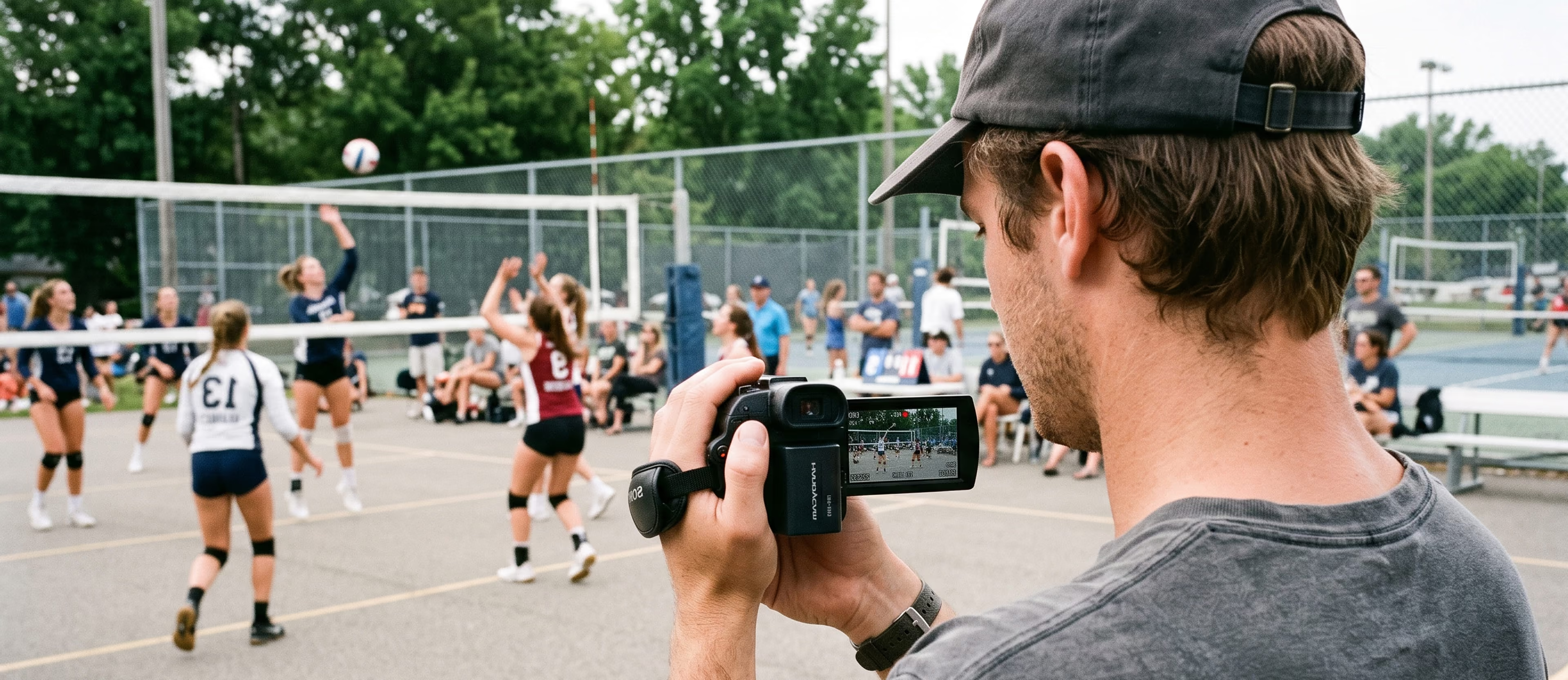
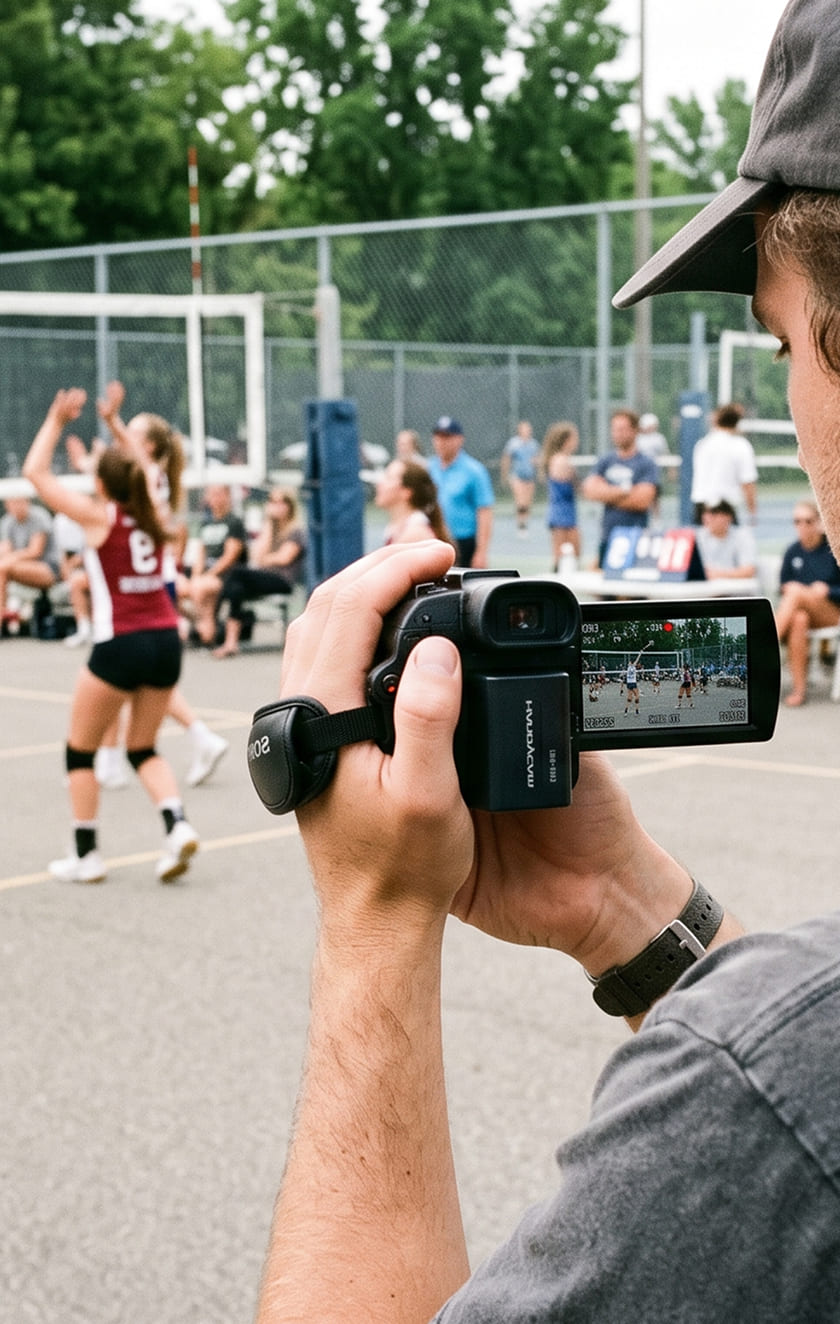
Why connect your camera?
If you already have a compatible camera, there's no need to replace it. Connect it to the FrogBox platform using a FrogBox Encoder and transform your existing camera into a complete FrogBox streaming solution.
Compatible with virtually any camera featuring a HDMI output, the FrogBox Encoder is ideal for fixed camera installations, PTZ cameras, broadcast cameras and other existing venue camera systems.
Everything you need to start streaming
What you'll need

Your existing camera
What FrogBox provides
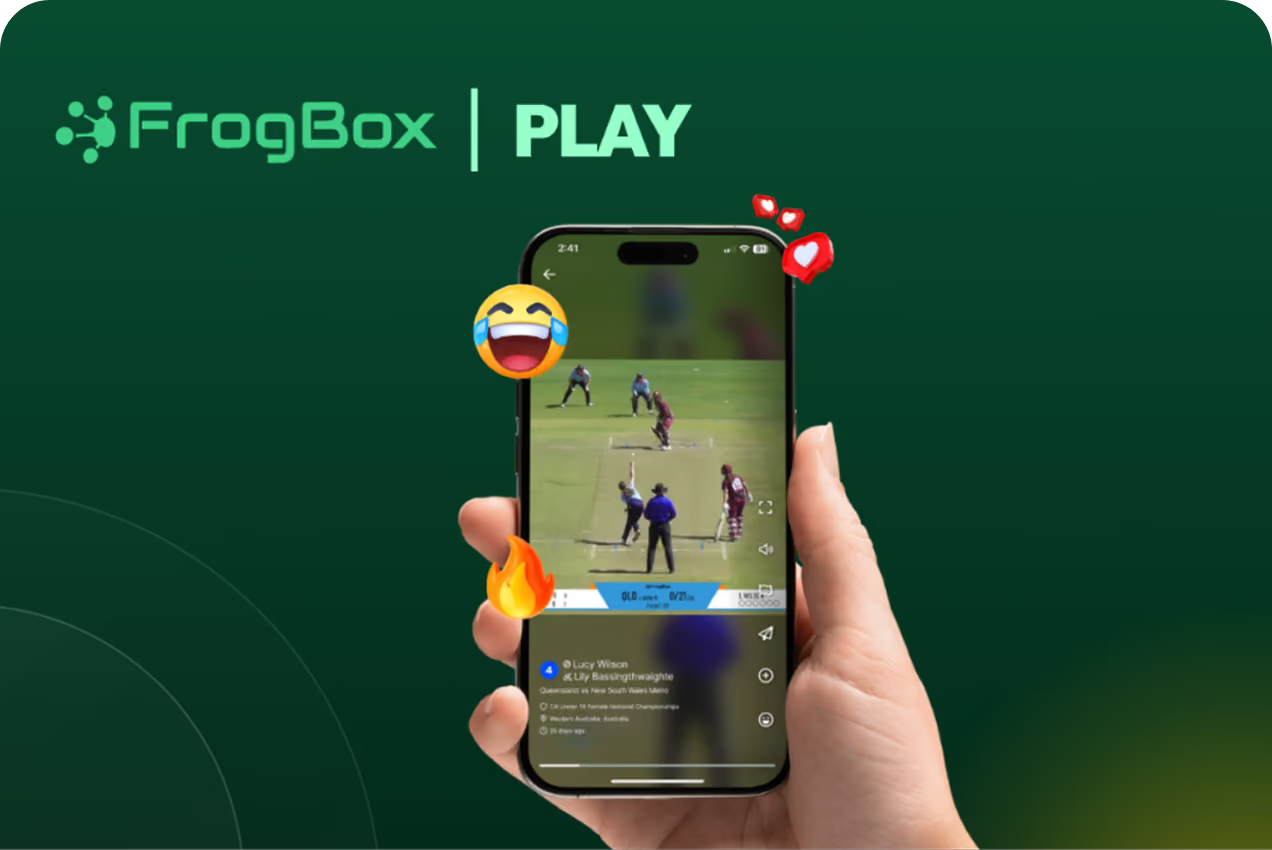
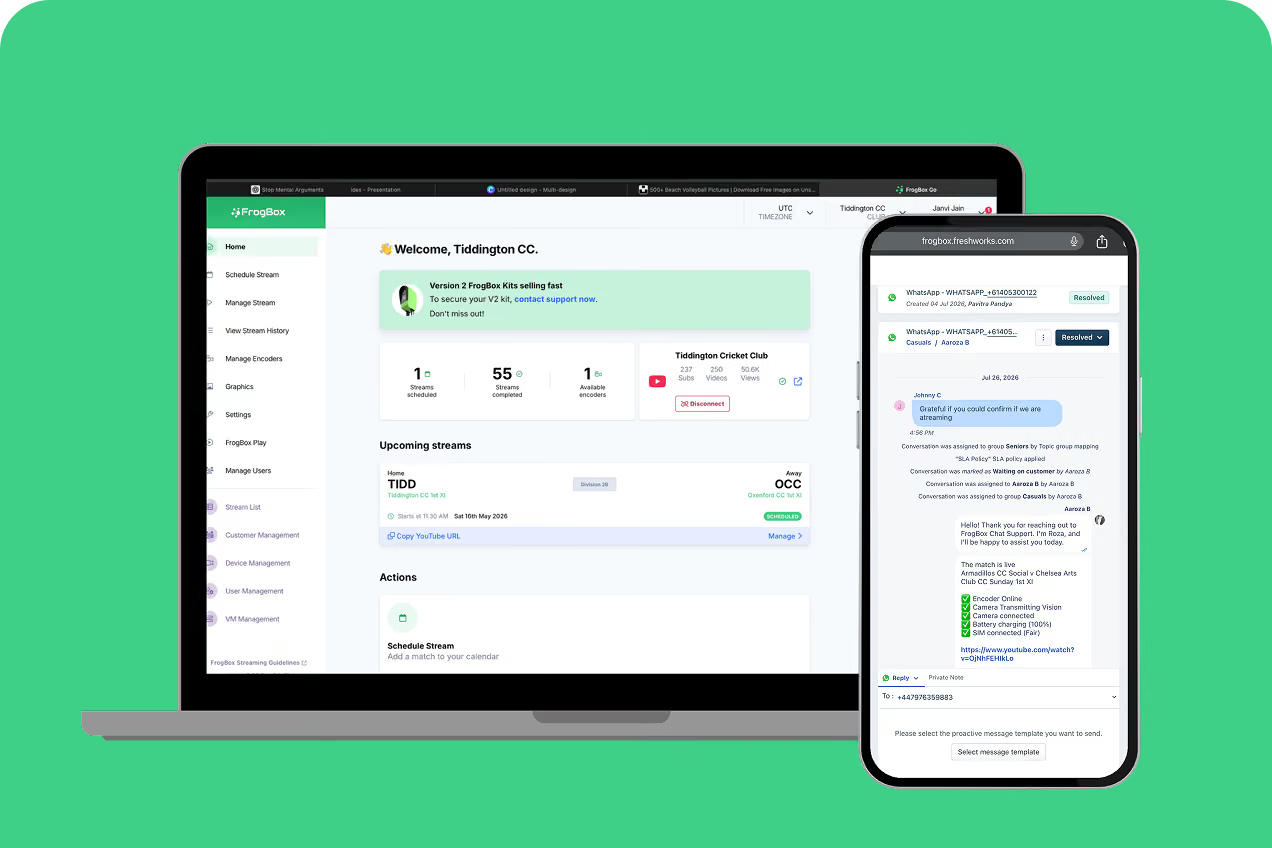


What you’ll get
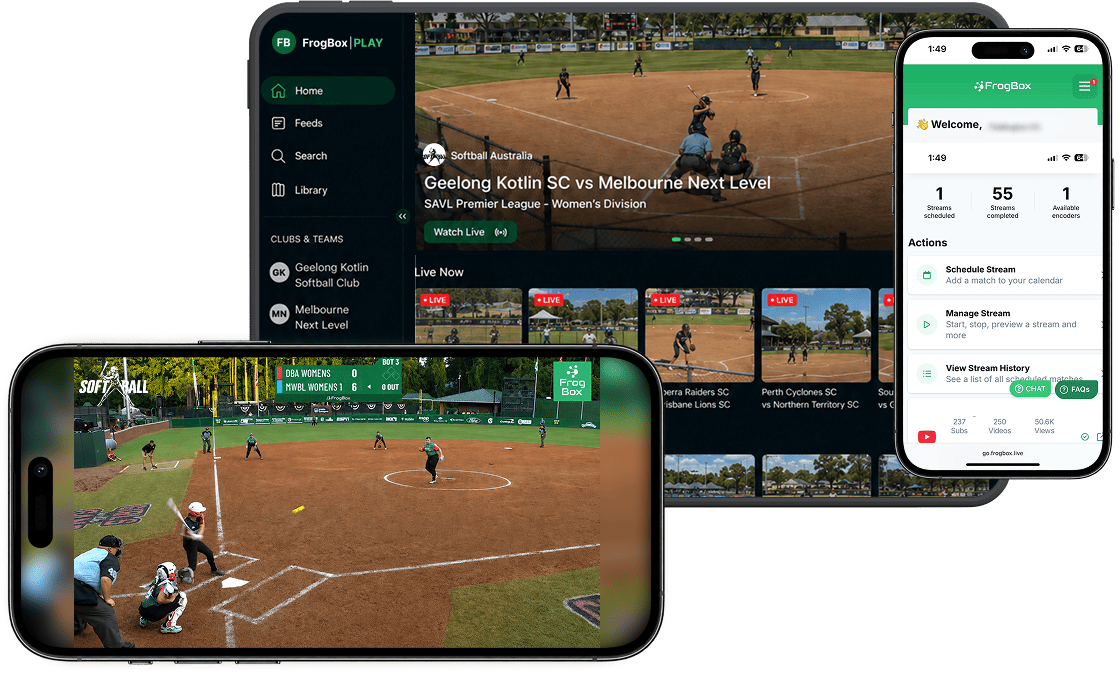
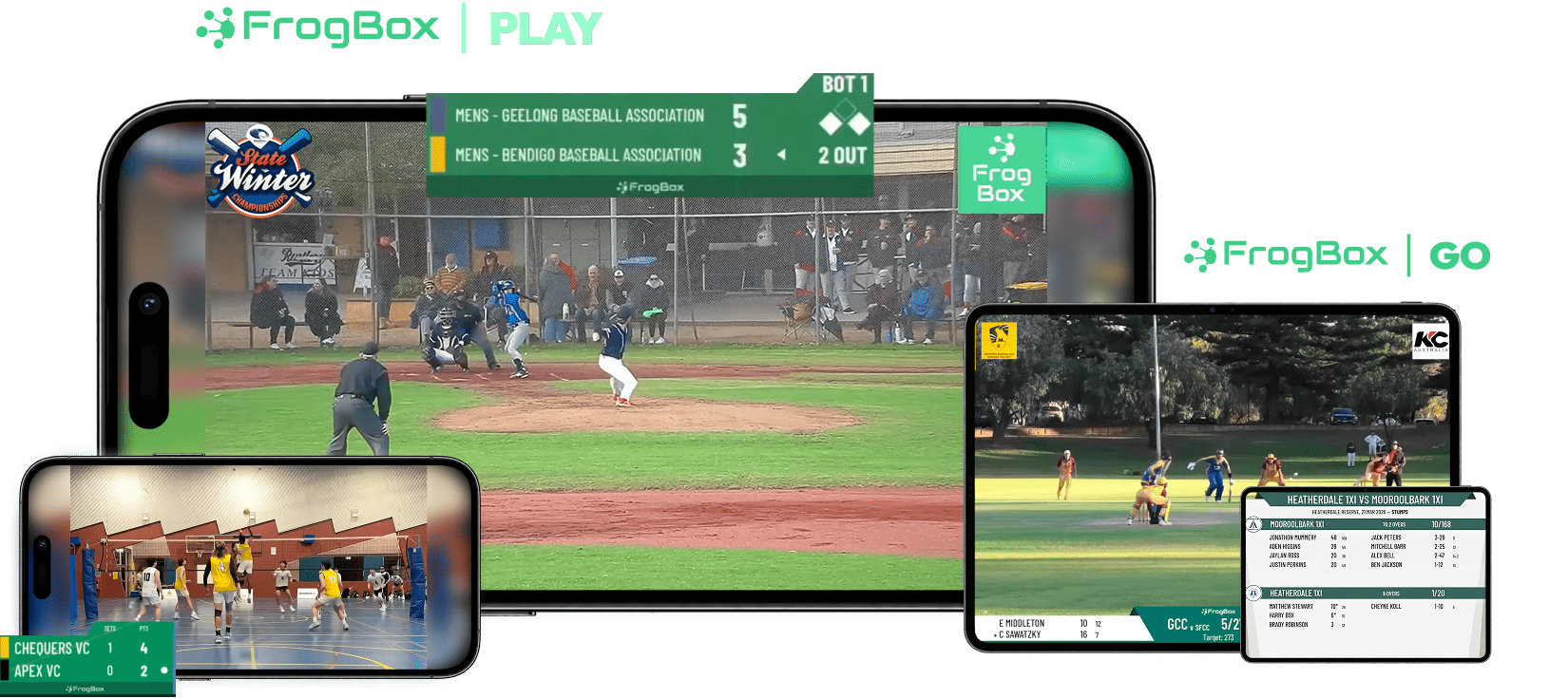
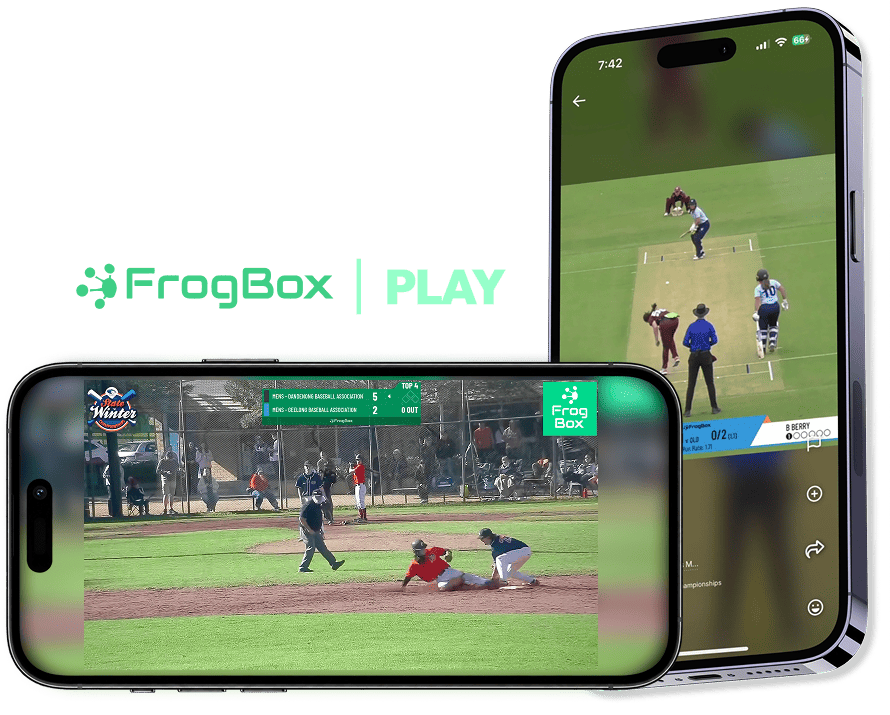
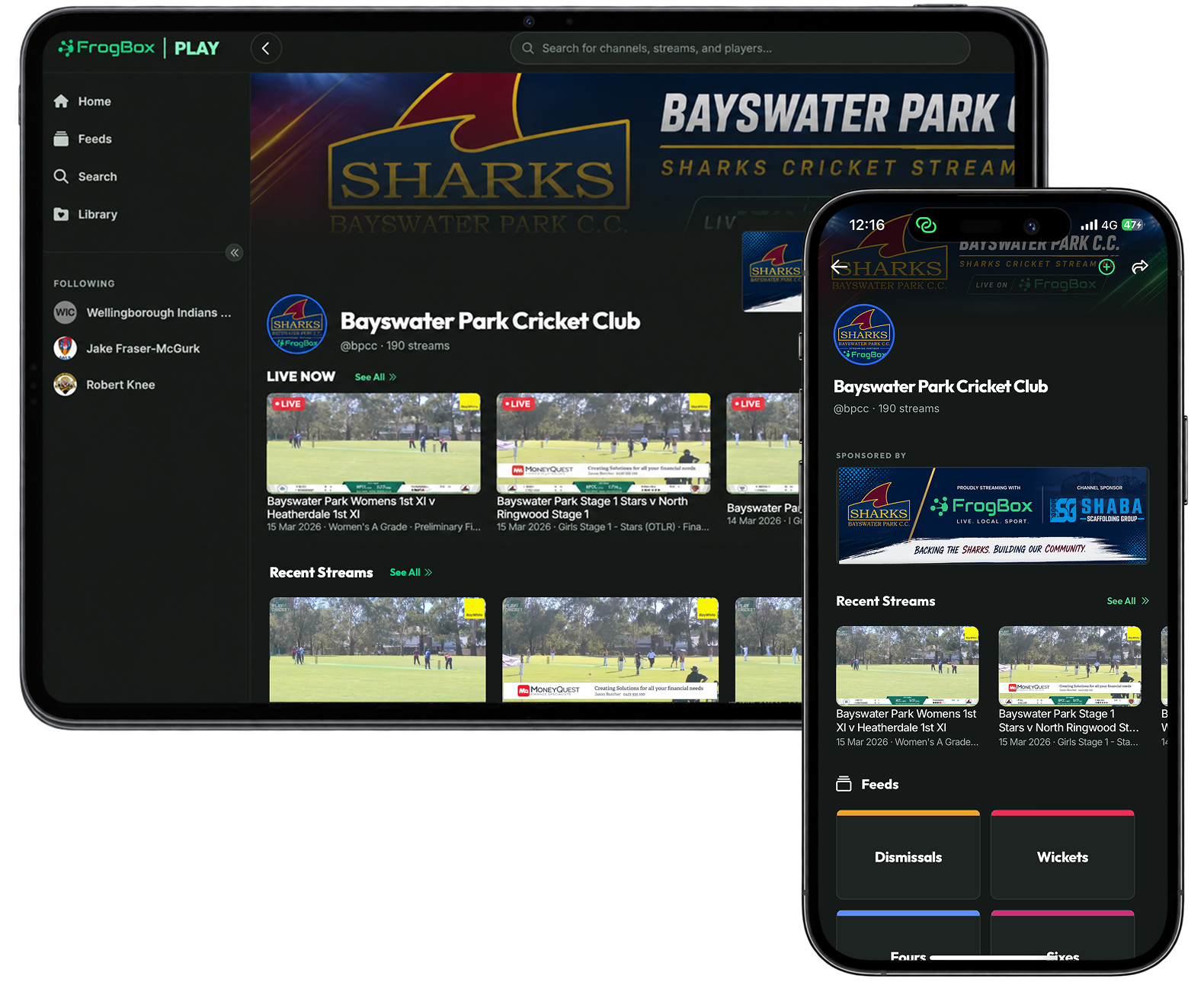
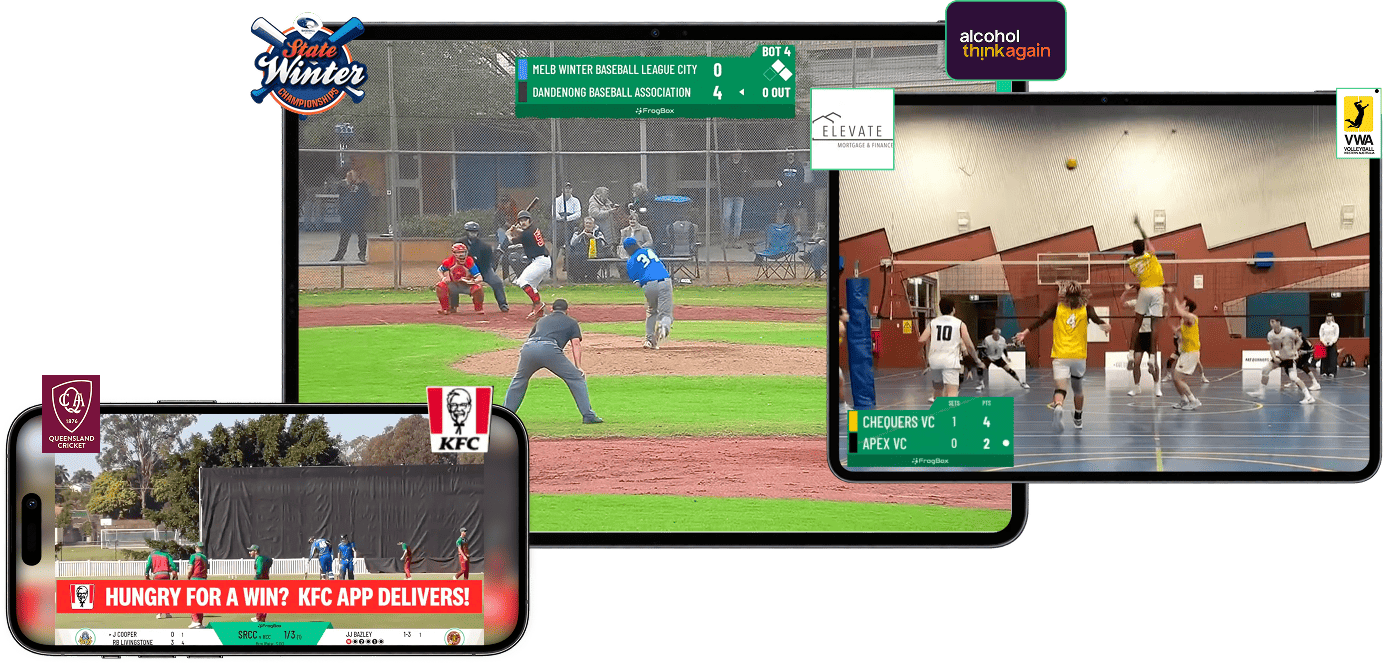
Powered by the FrogBox platform
Getting Started
For clubs streaming regularly throughout the season, we recommend pairing your FrogBox Encoder with a FrogBox Go Annual Plan for the best value and access to the full FrogBox platform.
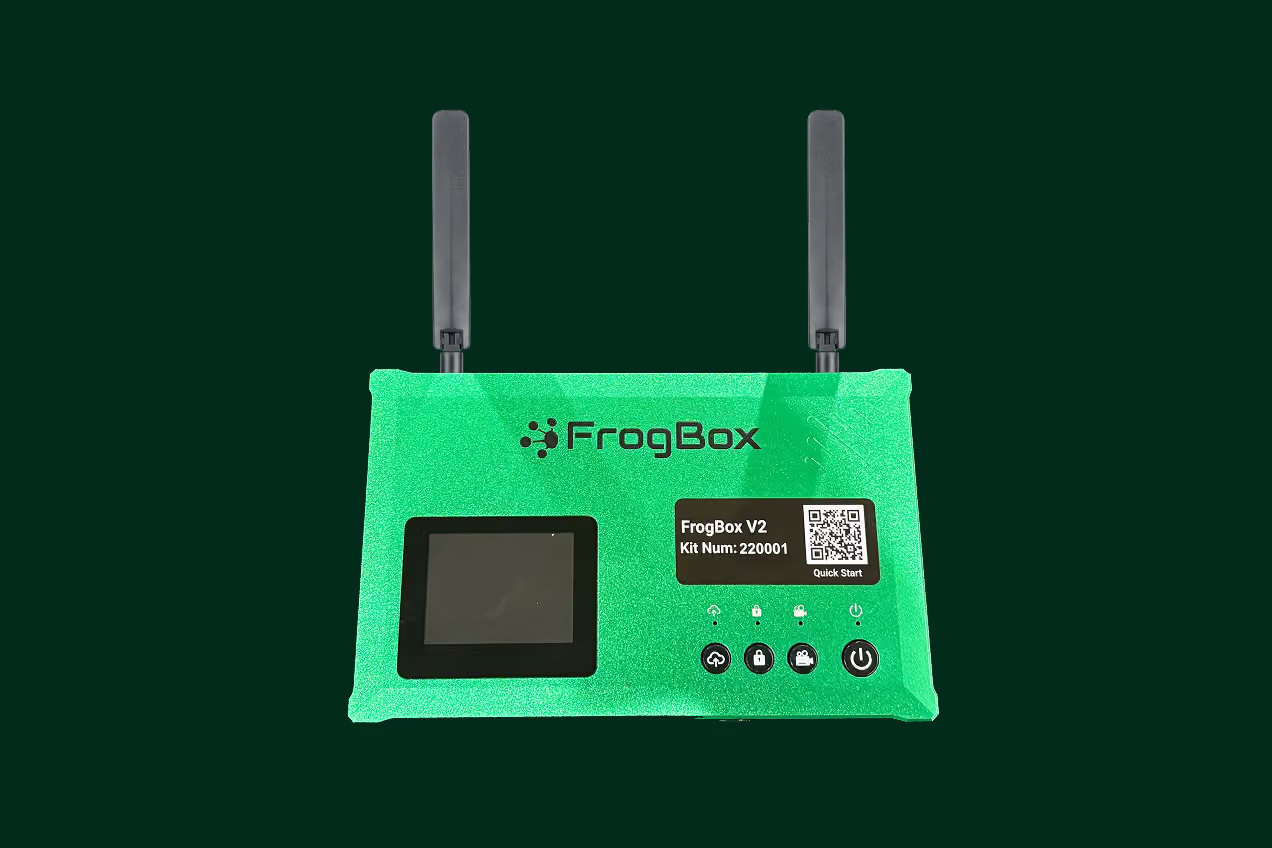
FrogBox Encoder
- Compatible with virtually any HDMI output camera
- Connects your camera to the FrogBox platform
- Reliable streaming over 4G SIM, WiFi or Ethernet
- Full HD video processing and streaming
- Portable and simple to install
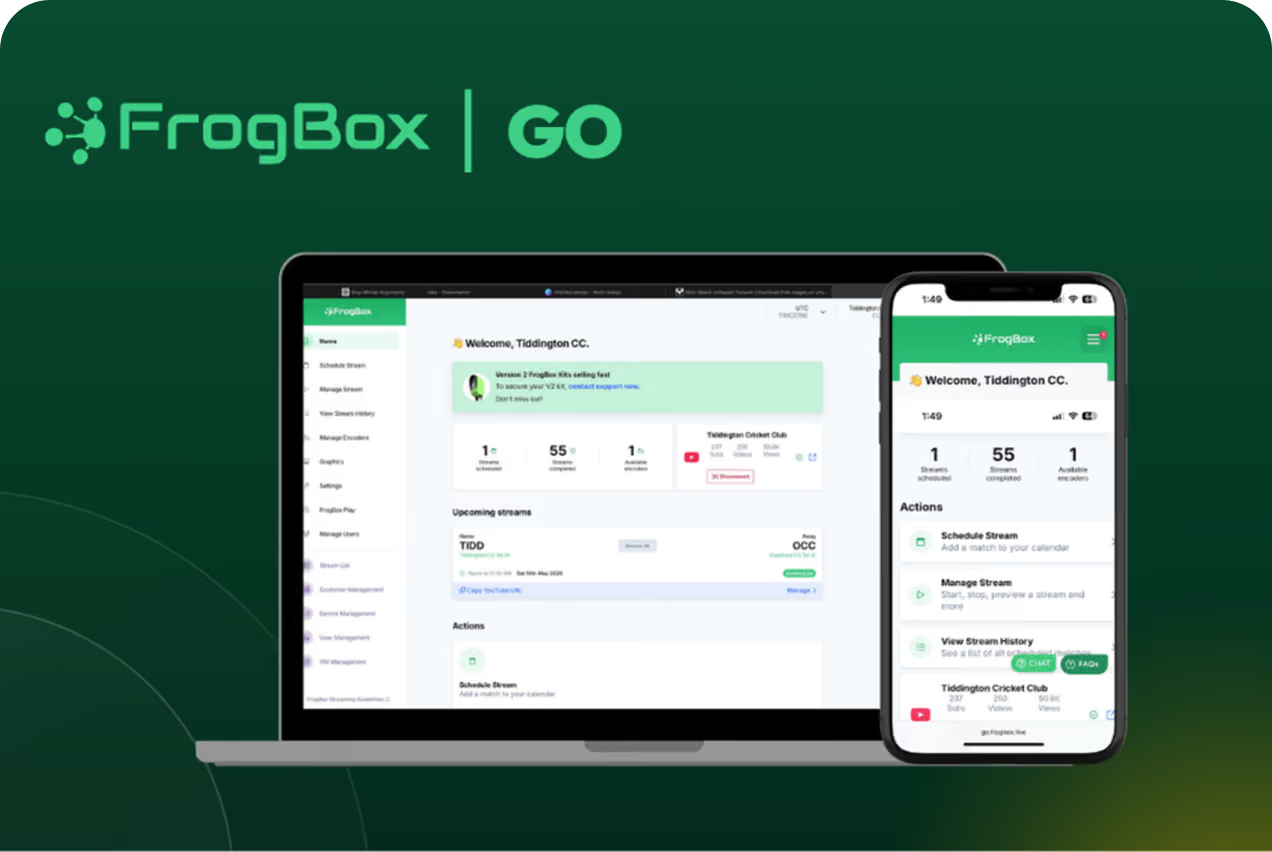
FrogBox Go Annual Plan
- Stream scheduling & management
- Club & sponsor branding
- Stream diagnostics
- Live score integration
- Your own Club Channel on FrogBox Play
- Dedicated support









Frequently Asked Questions
All you need is your existing camera set up, a FrogBox Encoder and a FrogBox Go Plan. Together, they provide a simple and flexible way to manage, stream and share your matches.
The FrogBox Encoder is purpose-built to connect your compatible camera to the FrogBox platform and includes:
- Full HD 1080p video output (dependent on your camera's output resolution)
- 12+ hour in-built battery for all-day streaming
- 4G SIM, Wi-Fi and Ethernet connectivity (SIM card not included)
- Triple upstream bonding for optimal network reliability
- Single HDMI connection for compatible cameras
- Built-in live monitor plus remote monitoring through FrogBox Go
- Local SD card recording
- Efficient H.265 video compression
- Outdoor-rated design tested for hot and cold conditions
- Battery charger and power adaptor included
Every club can start with a free trial to experience FrogBox before choosing a plan. Choose Pay As You Go if your club streams occasionally, or an Annual Plan if you'll be streaming regularly throughout the season.
The FrogBox Go Annual Plan includes everything your club needs to manage, stream and share every match, including:
- Live score integration
- Stream scheduling and management
- Club and sponsor branding
- Your own FrogBox Play Club Channel
- Stream diagnostics and monitoring
- Dedicated customer support
- Ongoing access to the latest FrogBox platform features
The FrogBox Encoder is compatible with virtually any camera featuring an HDMI output, making it ideal for fixed camera installations, PTZ cameras, broadcast cameras and existing venue camera systems.
Our support team is available seven days a week. Contact us via email or live chat whenever you need assistance during live chat hours, or browse our Knowledge Base for step-by-step guides and how-to videos.
No problem. Simply tap Request Committee Pack and we'll send you everything you need to evaluate FrogBox, including information you can share with your committee and club members. We'll then be in touch to answer any questions and, if you'd like, arrange a time to walk you through the solution.